
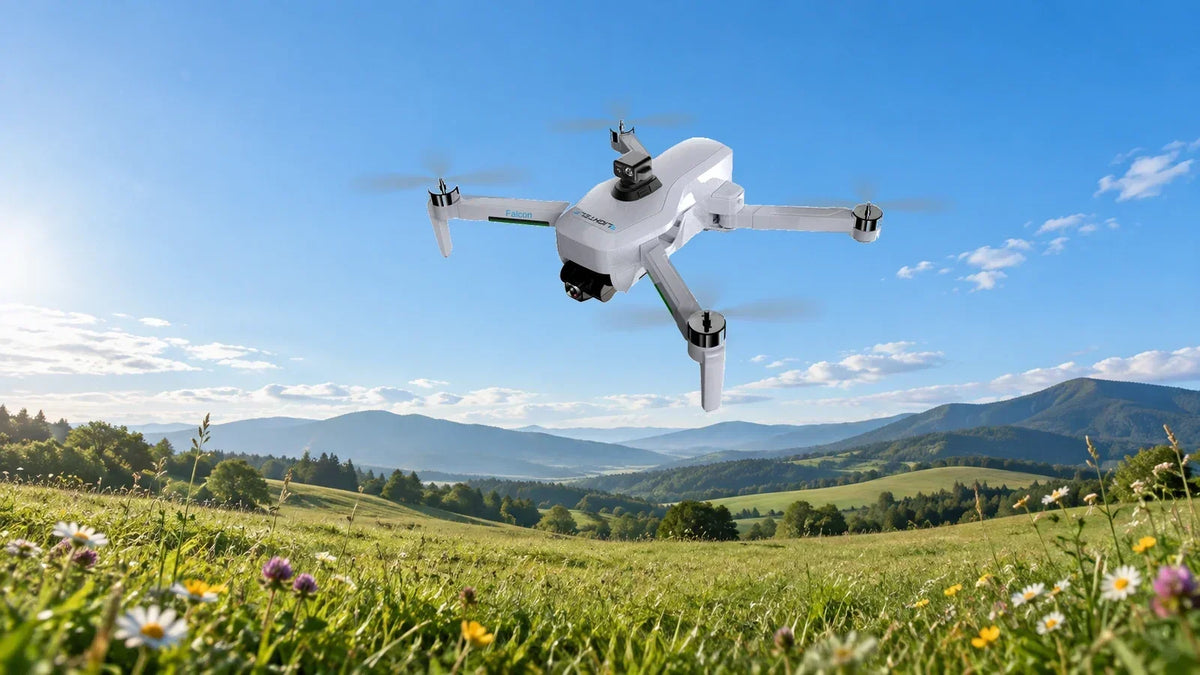
If a familiar drone suddenly sounds different or its footage begins to vibrate, do not start by adding more editing software. Land and inspect the aircraft. The propellers are a useful place to begin.
Their job is to generate thrust while the flight controller adjusts motor speeds to manage the aircraft’s movement. A damaged or incorrectly fitted blade can disturb that system.
Make a brief inspection part of every setup
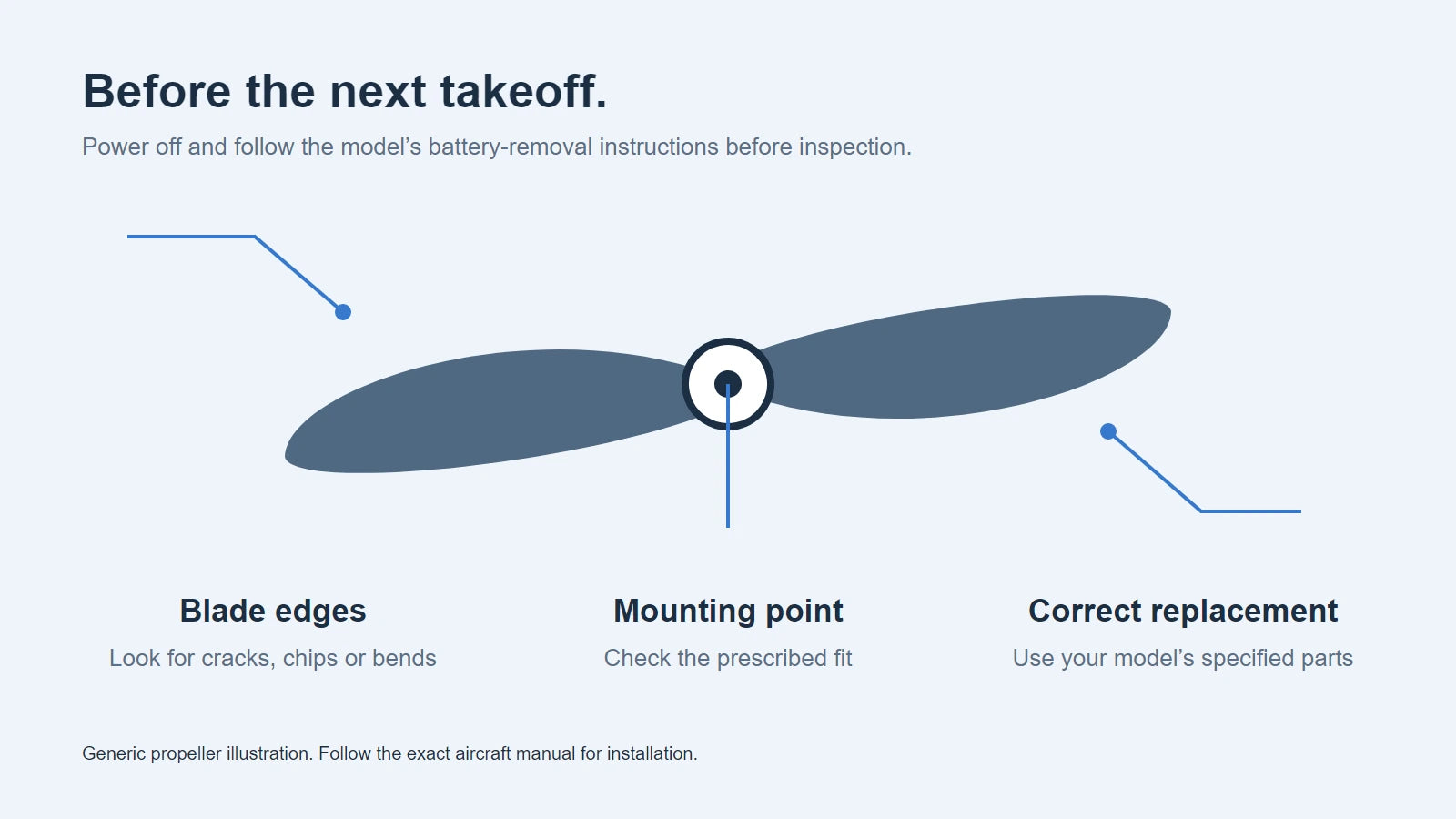
With the aircraft powered off and following the battery-removal instructions in its manual, look closely at each blade. Check both sides, the edges and the area near the mounting point.
- Cracks, chips or bends: replace damaged parts before flying.
- Loose or damaged fittings: use the model’s installation procedure and specified hardware.
- Debris or restricted movement: resolve it before powering the aircraft.
- Damage after a strike: inspect the motor, arm and camera assembly as well as the blade.
Do not run the motors while handling the aircraft or checking a propeller by hand.
Use the right replacement, not an improvised upgrade
A propeller that fits physically is not necessarily the correct propeller. Blade dimensions, rotation direction and attachment method must match the aircraft. Follow the markings and instructions for the exact FlightElf model.
Do not mix blade sets between Falcon, Veyra and Specter, sand a chipped edge into shape, or assume a different material will improve flight. Use the specified replacement and replace paired blades or fasteners where the manual requires it.
Why the gimbal cannot fix everything
Falcon, Veyra and Specter use three-axis mechanical gimbals to help steady the camera. The gimbal is part of the imaging system, not a repair for damaged flight hardware.
If new vibration or unusual noise remains after the prescribed checks, stop flying and seek support. Repeated test flights are not a good way to diagnose a suspected mechanical fault.
Choose your aircraft by its job
Propeller care matters across the lineup. Falcon is our weekend-flying recommendation, with 25 MP photos and up to 35 minutes per battery. Veyra combines a 247 g aircraft with 35 MP photos, 4K video and up to 38 minutes. Specter is the camera-focused option, offering 48 MP photos, 4K video and up to 53 minutes.
Their maximum advertised transmission ranges are 3, 5.5 and 9 miles respectively. Those figures do not tell you whether a particular propeller is serviceable, and they are not distances to target during a post-maintenance check.
Keep the routine simple: inspect before setup, use the correct replacement parts, and investigate a change in sound or vibration before the next outing.
Follow your model’s manual for maintenance and installation. Flight-time and transmission figures are advertised maxima and vary with conditions.
Share:
Choosing a Camera Drone for a Teenager: Start With the Pilot
Is Specter the Right Drone for Your Next Step?